Struggling to resize windows on macOS Tahoe?
-
Struggling to resize windows on macOS Tahoe? Here’s why.
@noheger this is why I refuse to use a window manager that does not support resize using alt+mouse2
-
@noheger The XFCE desktop has a really nice take on resizing windows.
Alt+Right-mouse-click somewhere in quite a large area near any corner of a window does the same as trying to find the much smaller window resize area in any corner.
I find this very useful as my patience and hand-eye coordination deteriorate (generally and by varying degrees on given days) as I get older.
Maybe other desktops have similar systems.
-
@argv_minus_one @noheger
Ah, somewhat weird. Firefox has that thick border, but other apps do not. Maybe something to do with GTK vs QT, not sure.While the border is pretty much not there, it's still very easy to resize windows.
With the narrow border it's more obvious that indeed dragging area inside the window itself is smaller than outside it. Maybe to avoid overlapping with controls inside those windows?
Otherwise that scrollbar might be weirdly inaccessible.


-
Struggling to resize windows on macOS Tahoe? Here’s why.
@noheger You move your cursor pretty fast to show it not working, but you slow down quite a bit to make your point. Maybe slow down in the first place.

-
Struggling to resize windows on macOS Tahoe? Here’s why.
@noheger
The whole #LiquidGlass fiasco has made #MacOS noticeably worse. It wastes a LOT of screen space. -
Struggling to resize windows on macOS Tahoe? Here’s why.
@noheger this is dumb. Good post!
-
Struggling to resize windows on macOS Tahoe? Here’s why.
-
Struggling to resize windows on macOS Tahoe? Here’s why.
@noheger
Clearly the superior UI, infallible in every way... -
Struggling to resize windows on macOS Tahoe? Here’s why.
@noheger Steve Jobs has been rolling in his grave ever faster and faster over the years. These days he must be fast as a drill.
-
@noheger You move your cursor pretty fast to show it not working, but you slow down quite a bit to make your point. Maybe slow down in the first place.
-
@noheger Well, I'm not going to say Tahoe has no issues, but I can't reproduce the error you're seeing.
In the old days I would say try restarting without extensions to see if the problem persists. These days I think it's create a new user account.
-
Struggling to resize windows on macOS Tahoe? Here’s why.
@noheger Please tell me this is configurable and that it's not what they ship as a default setting...
-
Struggling to resize windows on macOS Tahoe? Here’s why.
@noheger Great piece. To the point. Not too technical. (For us common folk.) Useful. Thank you.
-
Struggling to resize windows on macOS Tahoe? Here’s why.
@noheger Holy crap! This kept happening to me and I thought it was my mouse flaking out or something. So they changed the visual corner radius without adjusting the click area to match…great. Really starting to regret updating to Tahoe.
-
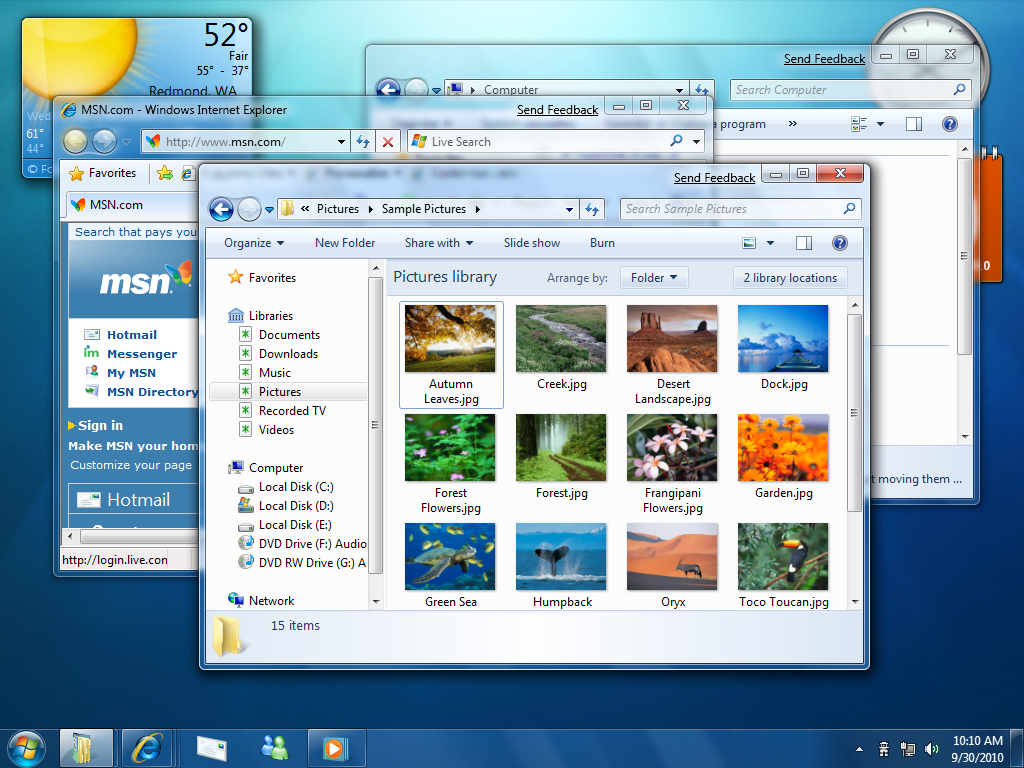
@farshidhakimy @phl @the_wub @noheger 7 was a bit over the top for the time, and it clashed rather awkwardly with old components... but yeah, it worked pretty well. I turned down the in-app transparency because it was sometimes too low contrast (but NOTHING like how bad Tahoe gets) but that's about it, it communicated what it needed to just fine and few minded.
-
@noheger The XFCE desktop has a really nice take on resizing windows.
Alt+Right-mouse-click somewhere in quite a large area near any corner of a window does the same as trying to find the much smaller window resize area in any corner.
I find this very useful as my patience and hand-eye coordination deteriorate (generally and by varying degrees on given days) as I get older.
Maybe other desktops have similar systems.
-
Struggling to resize windows on macOS Tahoe? Here’s why.
@noheger Not in my case. Works on my Mac totally fine.
-
 P Pteryx the Puzzle Secretary shared this topic on
-
Struggling to resize windows on macOS Tahoe? Here’s why.
@noheger now that's just silly