Skip to content
0
  • Home
  • Recent
  • Tags
  • Popular
  • World
  • Users
  • Groups
  • Home
  • Recent
  • Tags
  • Popular
  • World
  • Users
  • Groups
Skins
  • Light
  • Brite
  • Cerulean
  • Cosmo
  • Flatly
  • Journal
  • Litera
  • Lumen
  • Lux
  • Materia
  • Minty
  • Morph
  • Pulse
  • Sandstone
  • Simplex
  • Sketchy
  • Spacelab
  • United
  • Yeti
  • Zephyr
  • Dark
  • Cyborg
  • Darkly
  • Quartz
  • Slate
  • Solar
  • Superhero
  • Vapor

  • Default (Sketchy)
  • No Skin
Collapse

Wandering Adventure Party

  1. Home
  2. Uncategorized
  3. #Leaflet question:

#Leaflet question:

Scheduled Pinned Locked Moved Uncategorized
leaflet
3 Posts 2 Posters 2 Views
  • Oldest to Newest
  • Newest to Oldest
  • Most Votes
Reply
  • Reply as topic
Log in to reply
This topic has been deleted. Only users with topic management privileges can see it.
  • Jürgen HubertJ This user is from outside of this forum
    Jürgen HubertJ This user is from outside of this forum
    Jürgen Hubert
    wrote last edited by
    #1

    #Leaflet question:

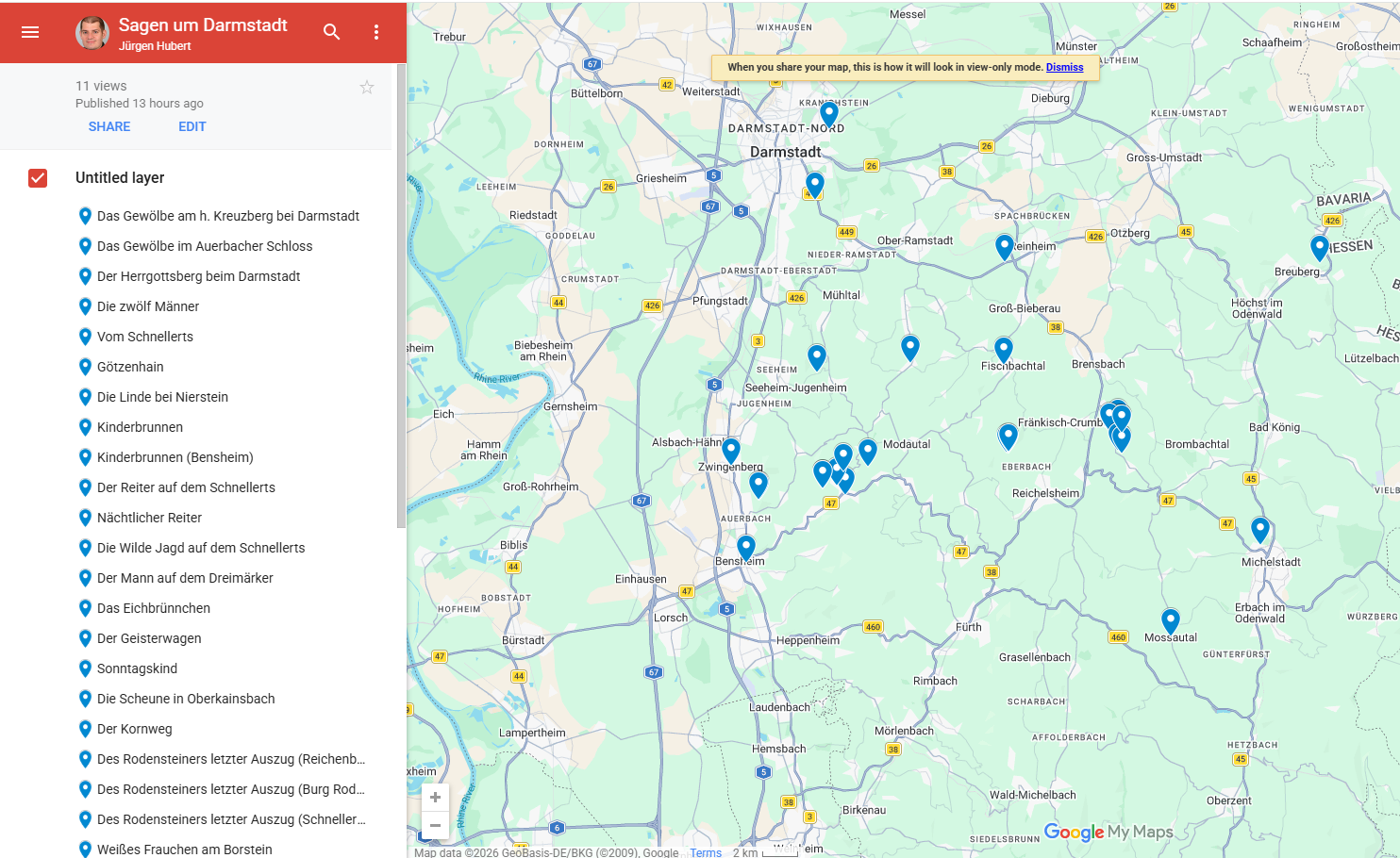
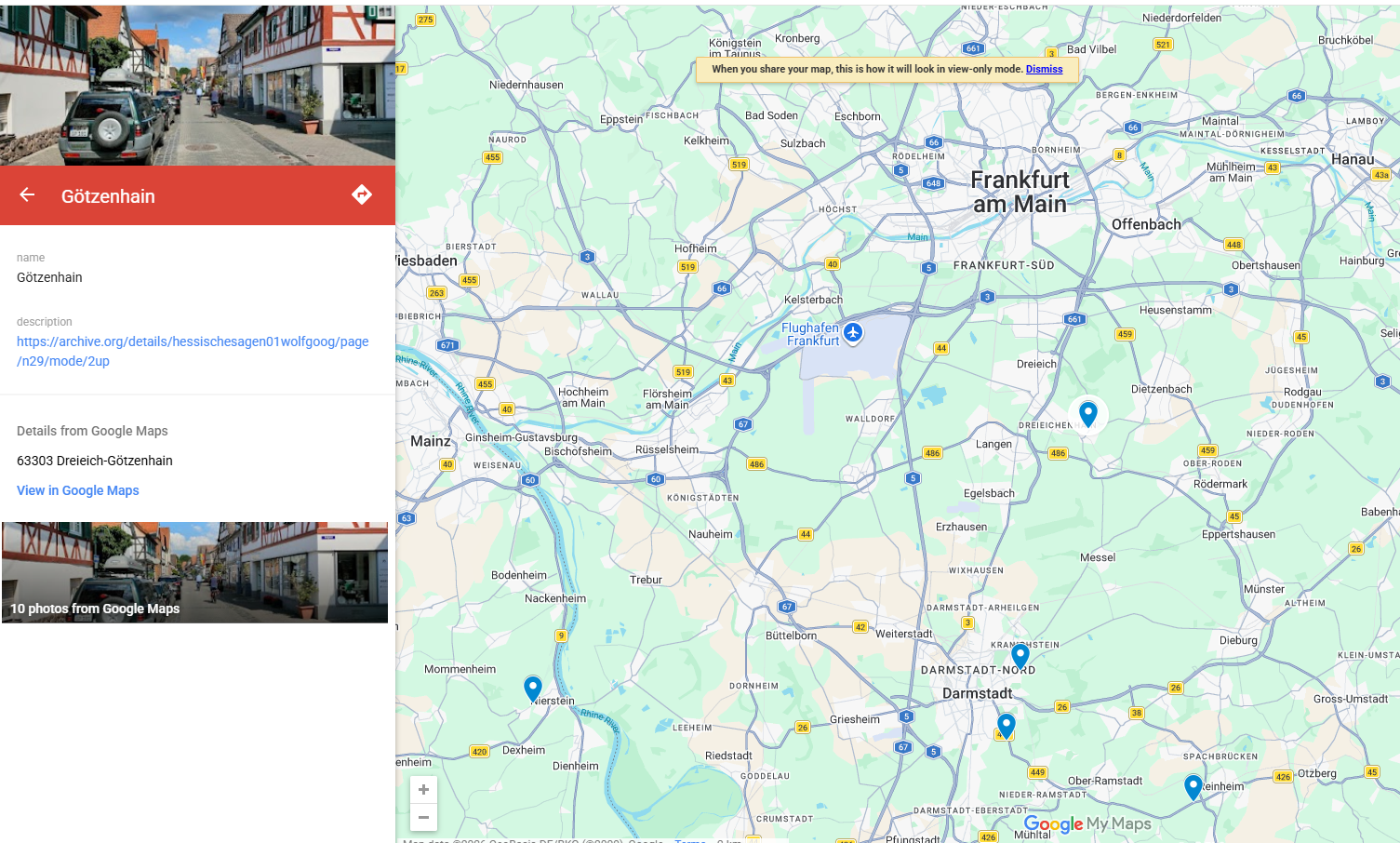
    Google MyMaps allows you to display a list of custom locations you have placed on that map. And then you can click on any item on that list, and the map will zoom to the relevant location.

    Is anything similar possible with Leaflet? And if so, could you point me to documentation or a tutorial?

    Andy ZeigertZ 1 Reply Last reply
    0
    • Jürgen HubertJ Jürgen Hubert

      #Leaflet question:

      Google MyMaps allows you to display a list of custom locations you have placed on that map. And then you can click on any item on that list, and the map will zoom to the relevant location.

      Is anything similar possible with Leaflet? And if so, could you point me to documentation or a tutorial?

      Andy ZeigertZ This user is from outside of this forum
      Andy ZeigertZ This user is from outside of this forum
      Andy Zeigert
      wrote last edited by
      #2

      @juergen_hubert Fairly simple with some basic javascript.

      Most basic for markers:

      const layer = new L.geoJSON(data, {
      onEachFeature: (feature, layer) => {
      layer.on({
      click: (e) => {
      map.panTo(e.target.getLatLng());
      }
      })
      }
      });

      There are slight variations depending on what kind of layer you're using, but search the docs for map.panTo or map.zoomTo. You can add events as a function of a layer group, or add the event to the marker layer as it's added. Does that help?

      Jürgen HubertJ 1 Reply Last reply
      0
      • Andy ZeigertZ Andy Zeigert

        @juergen_hubert Fairly simple with some basic javascript.

        Most basic for markers:

        const layer = new L.geoJSON(data, {
        onEachFeature: (feature, layer) => {
        layer.on({
        click: (e) => {
        map.panTo(e.target.getLatLng());
        }
        })
        }
        });

        There are slight variations depending on what kind of layer you're using, but search the docs for map.panTo or map.zoomTo. You can add events as a function of a layer group, or add the event to the marker layer as it's added. Does that help?

        Jürgen HubertJ This user is from outside of this forum
        Jürgen HubertJ This user is from outside of this forum
        Jürgen Hubert
        wrote last edited by
        #3

        @zeigert I don't know yet, but it's worth looking into. Thanks!

        1 Reply Last reply
        0

        Reply
        • Reply as topic
        Log in to reply
        • Oldest to Newest
        • Newest to Oldest
        • Most Votes


        • Login

        • Login or register to search.
        Powered by NodeBB Contributors
        • First post
          Last post